Product

Everything your teams need to work with Azure Blob Storage.

A familiar file explorer for the people who use the files, and the controls IT expects: Microsoft Entra ID roles, time-bound sharing and a full activity log.

Use cases Features Files up to 195 GiB
Use cases

Built for the people who use the files.

Azure Blob Storage holds your exports, deliveries and archives. Blob Web Explorer makes them usable by the teams and partners who need them, without opening the Azure portal to everyone.

Alternative to SFTP

Exchange files with partners and customers

Today: an SFTP server to maintain, storage keys sent by email, or large files split across email attachments.

With Blob Web Explorer: each partner gets a folder they can open in a browser, with exactly the access you decide.

  • Write access to drop deliveries, read access to collect results
  • Access ends automatically on the date you set
  • Uploads up to 195 GiB per file in enterprise editions
  • Every upload and download is recorded
How sharing works
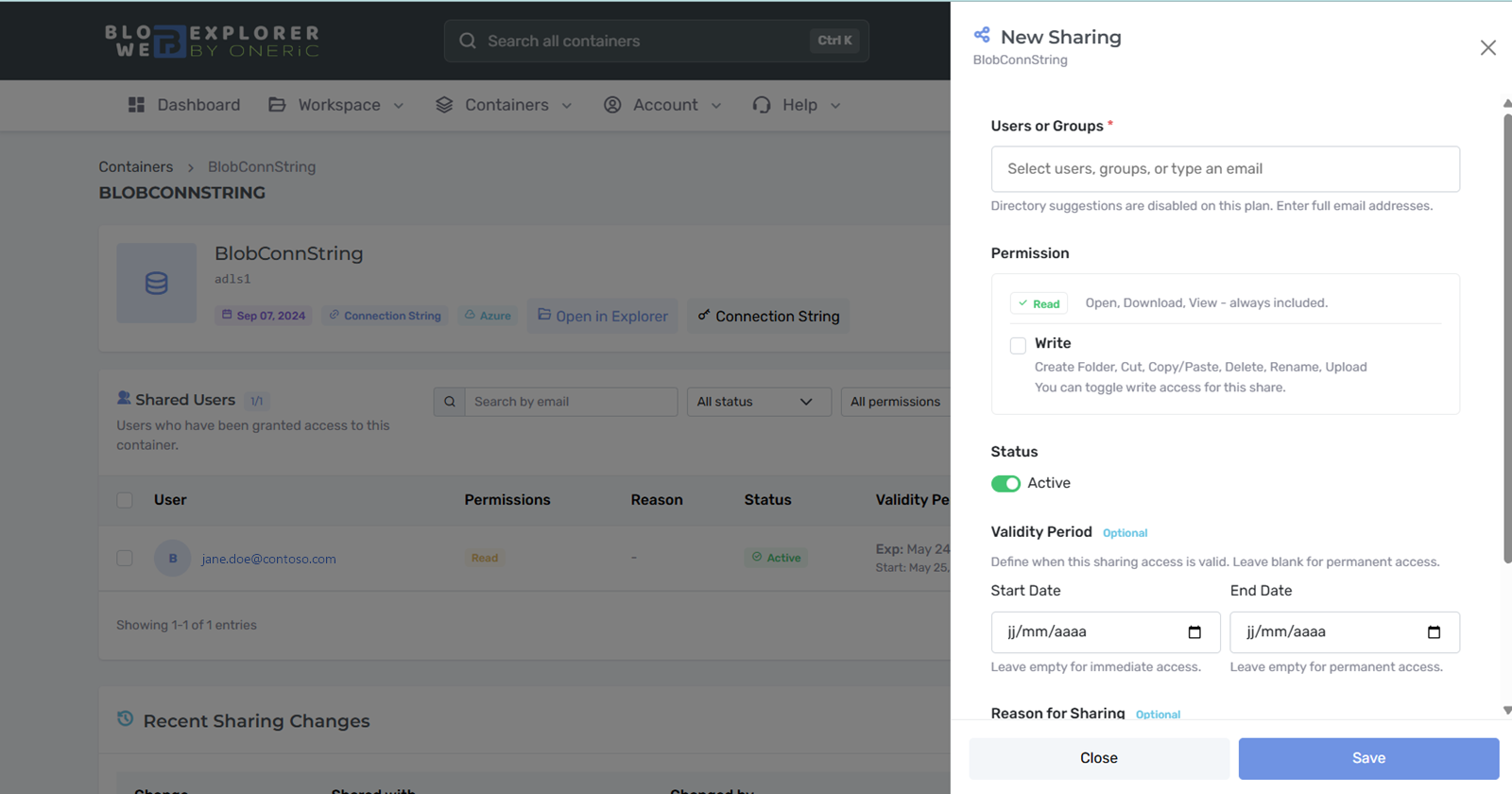
Sharing a container with Read or Write access and a validity period
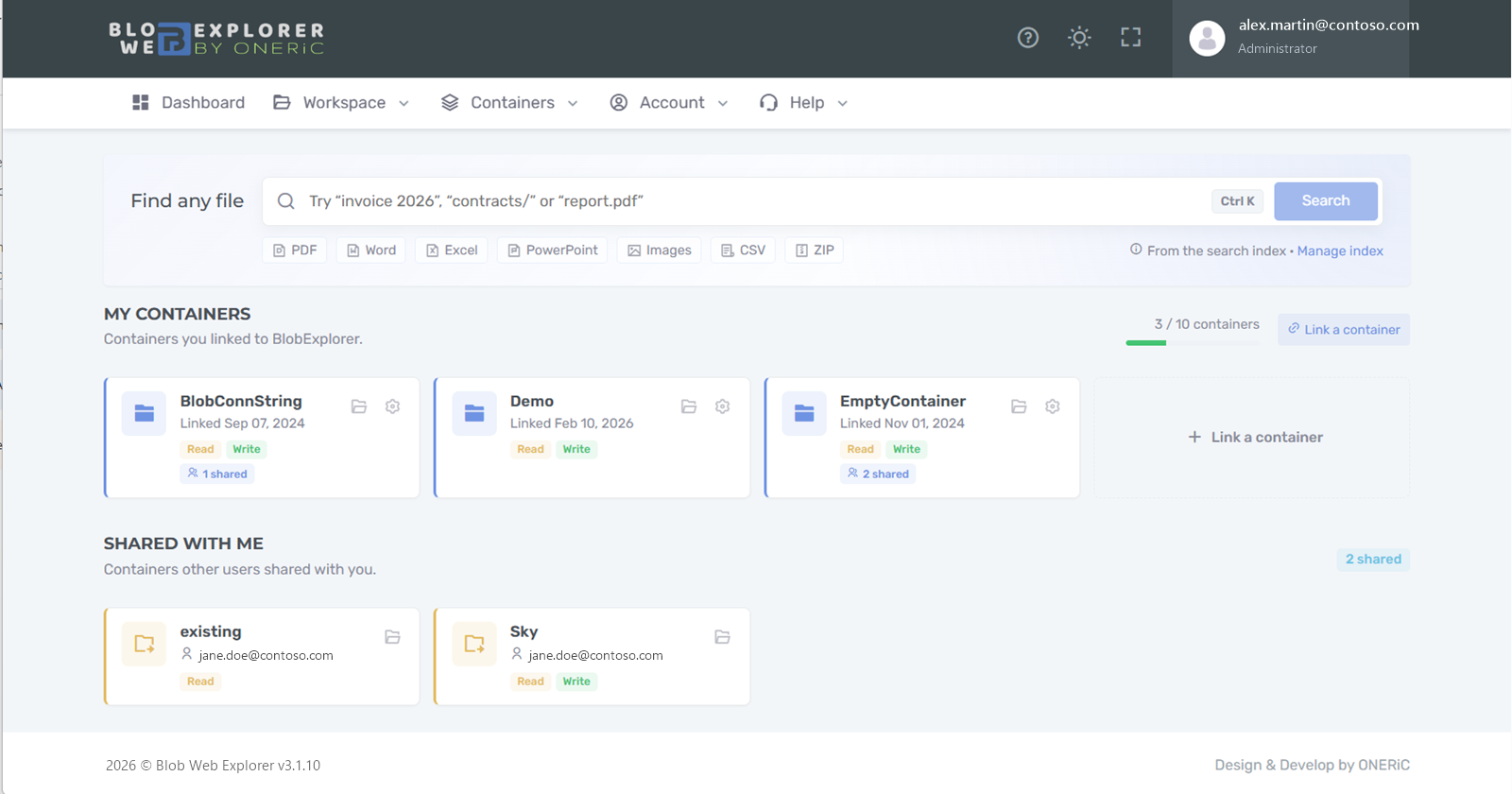
Dashboard with Find any file, owned containers and containers shared with you
Self-service for business teams

Give business teams access to exports and reports

Today: data teams generate files into Azure Blob Storage, then answer requests to send them to finance, sales or operations.

With Blob Web Explorer: business users open, preview and download the files themselves, with read-only access when that is all they need.

  • Reader role from your Microsoft Entra ID groups
  • Preview PDF, images and text without downloading
  • One search across every container
  • No Azure role or desktop tool to install
Roles and identity
Large volumes

Find anything in archives and media libraries

Today: finding a file means knowing which storage account and container it lives in, then browsing folder by folder.

With Blob Web Explorer: search by name, path or file type across every storage account you can access, and preview media directly.

  • Search across containers and storage accounts
  • Video, audio and image previews
  • Multi-file downloads as a ZIP
  • Usage & costs to spot inactive data
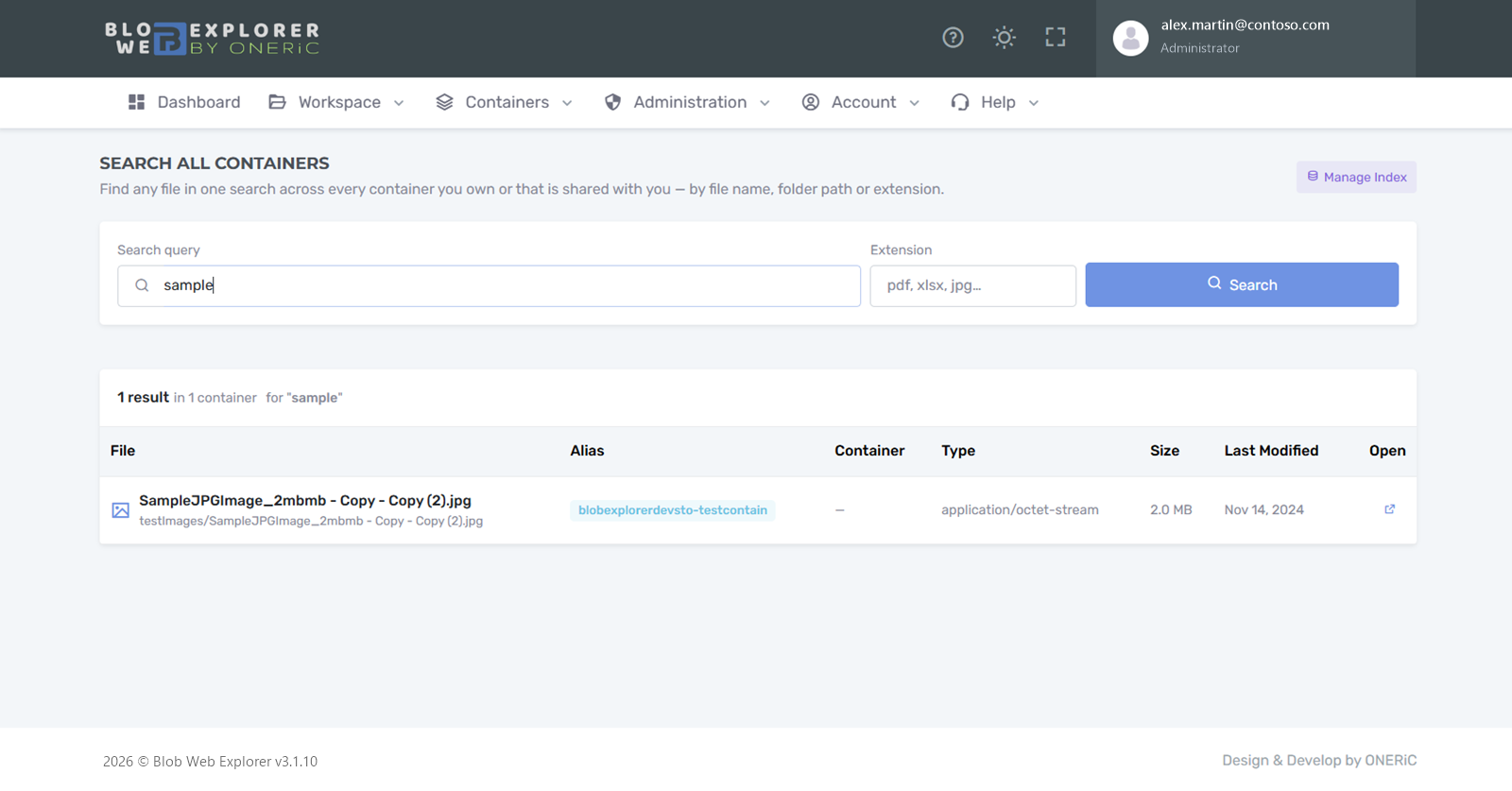
How search works
Search all containers with a result showing file, container, type, size and date
Features

A file explorer people already know, with the controls IT expects.

New

A file explorer people already know

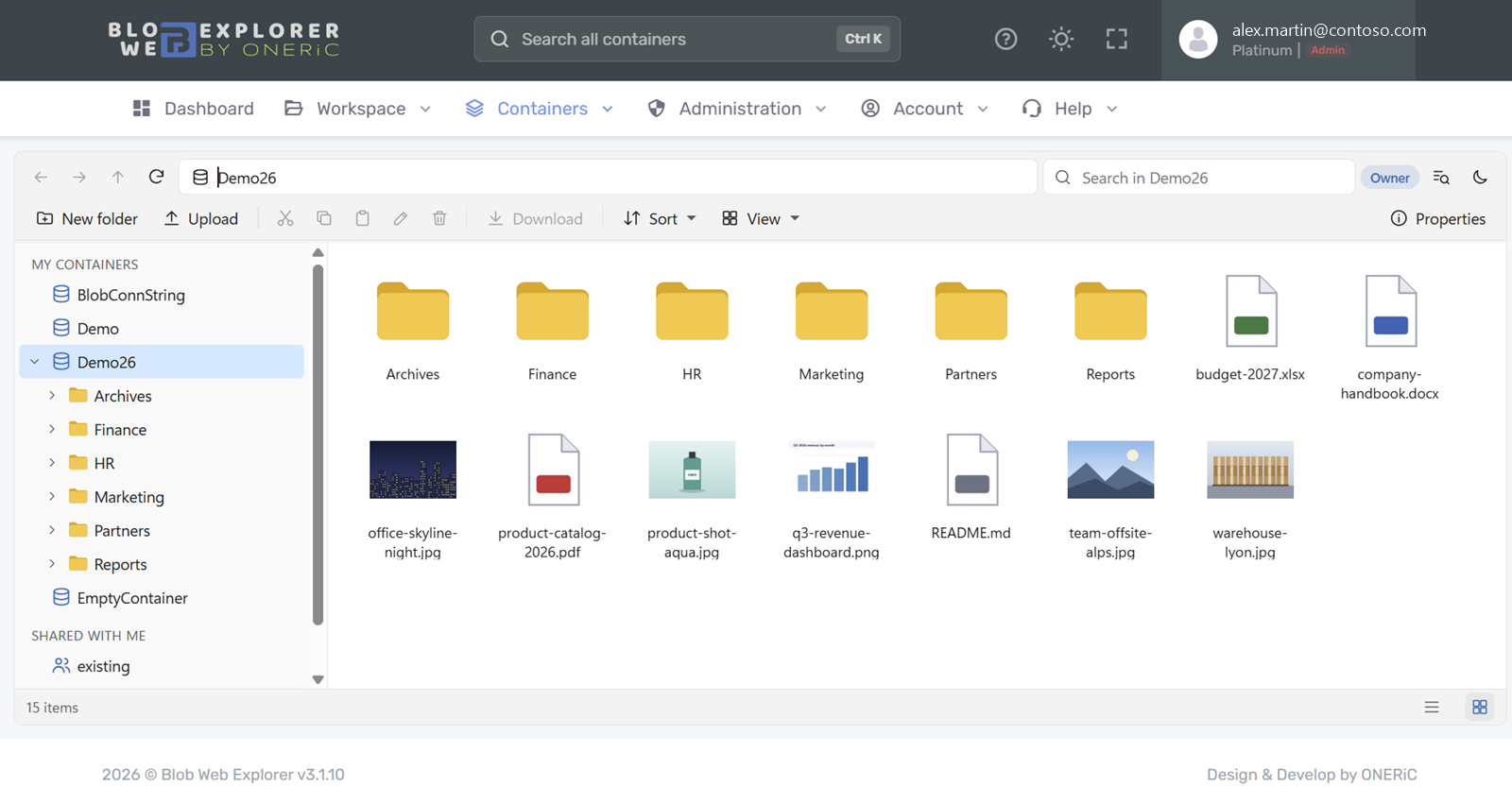
Browse every container you have access to from a side pane, with the gestures your teams use every day.

  • Folder tree, drag and drop, right-click menus and keyboard shortcuts
  • Preview images, PDF, video, audio and text without downloading
  • File properties and metadata at a glance
  • Download several files or folders as a ZIP built on the fly
  • Light or dark theme
Blob Web Explorer file explorer with folder tree, toolbar and file thumbnails
Controlled

Share with boundaries

Give colleagues and partners exactly the access they need, for as long as they need it.

  • Read or write permission per share
  • Start and end dates, with an optional reason
  • A share never outlives the access of its container
  • Disable a share at any time; recipients find it under Shared with me
New sharing panel with Read and Write permissions, status and validity period
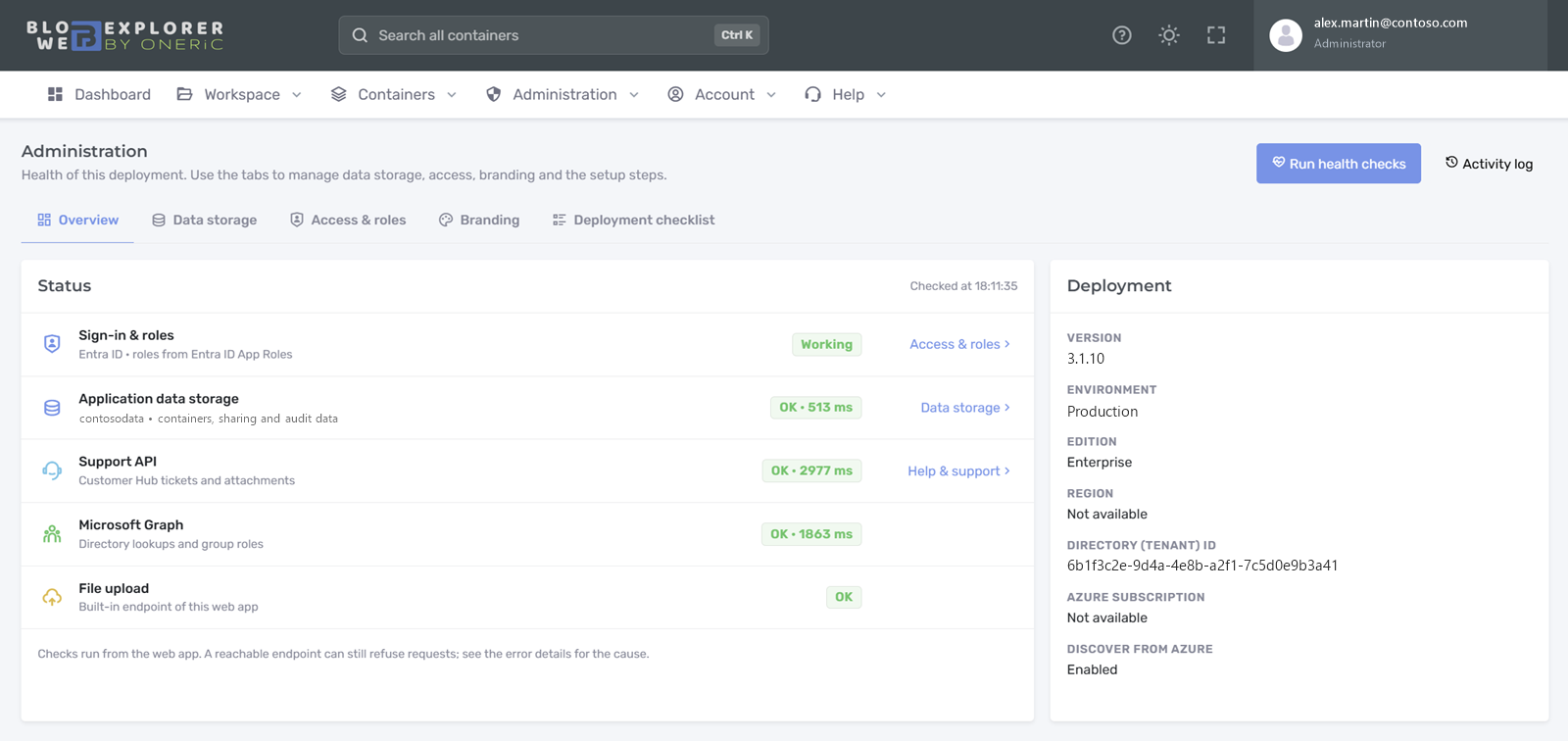
Administration overview with sign-in and roles, data storage and health checks
Enterprise

Microsoft Entra ID and enterprise roles

Your users sign in with their work account. You decide who does what from your own tenant.

  • Administrator, Contributor and Reader roles assigned to users or groups
  • Users without a role get read-only access
  • Guided role setup and health checks in Admin settings
  • Your organization's logo in the application
Enterprise

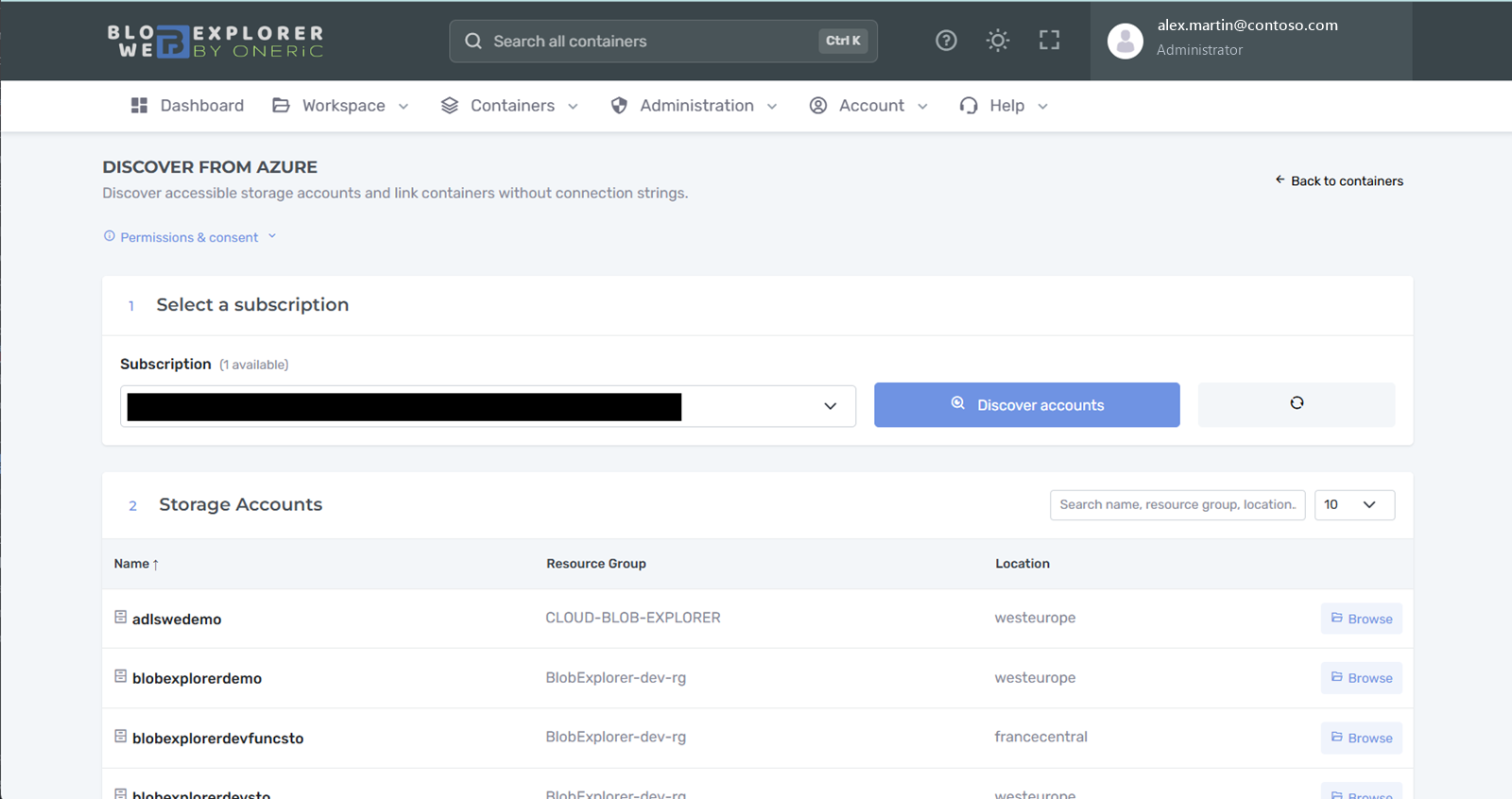
Discover your containers from Azure

Every enterprise role can find the Azure containers it already has access to and link them in a few clicks.

  • Browse subscriptions, storage accounts and containers
  • Access always follows the user's Azure rights
  • Personal links for Readers, never shareable
  • Clear expiry dates when access is time-limited
Discover from Azure: select a subscription and browse storage accounts
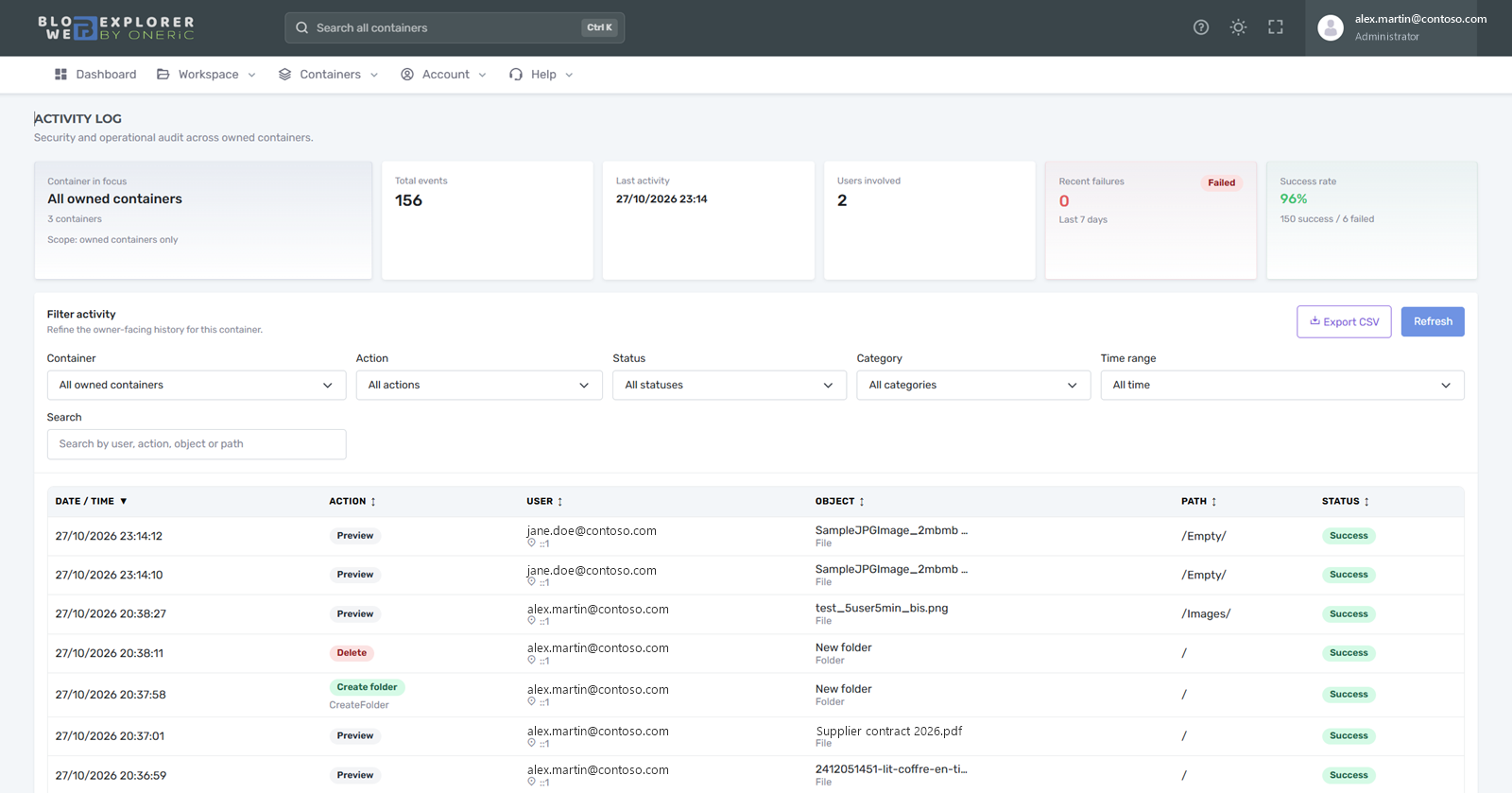
Activity log with filters, success rate and recorded file operations
Traceability

Know who did what

File and sharing operations are recorded so owners and administrators can answer questions quickly.

  • User, action, file, outcome, time and IP address
  • Activity per container for owners
  • Consolidated view for enterprise administrators
Insights

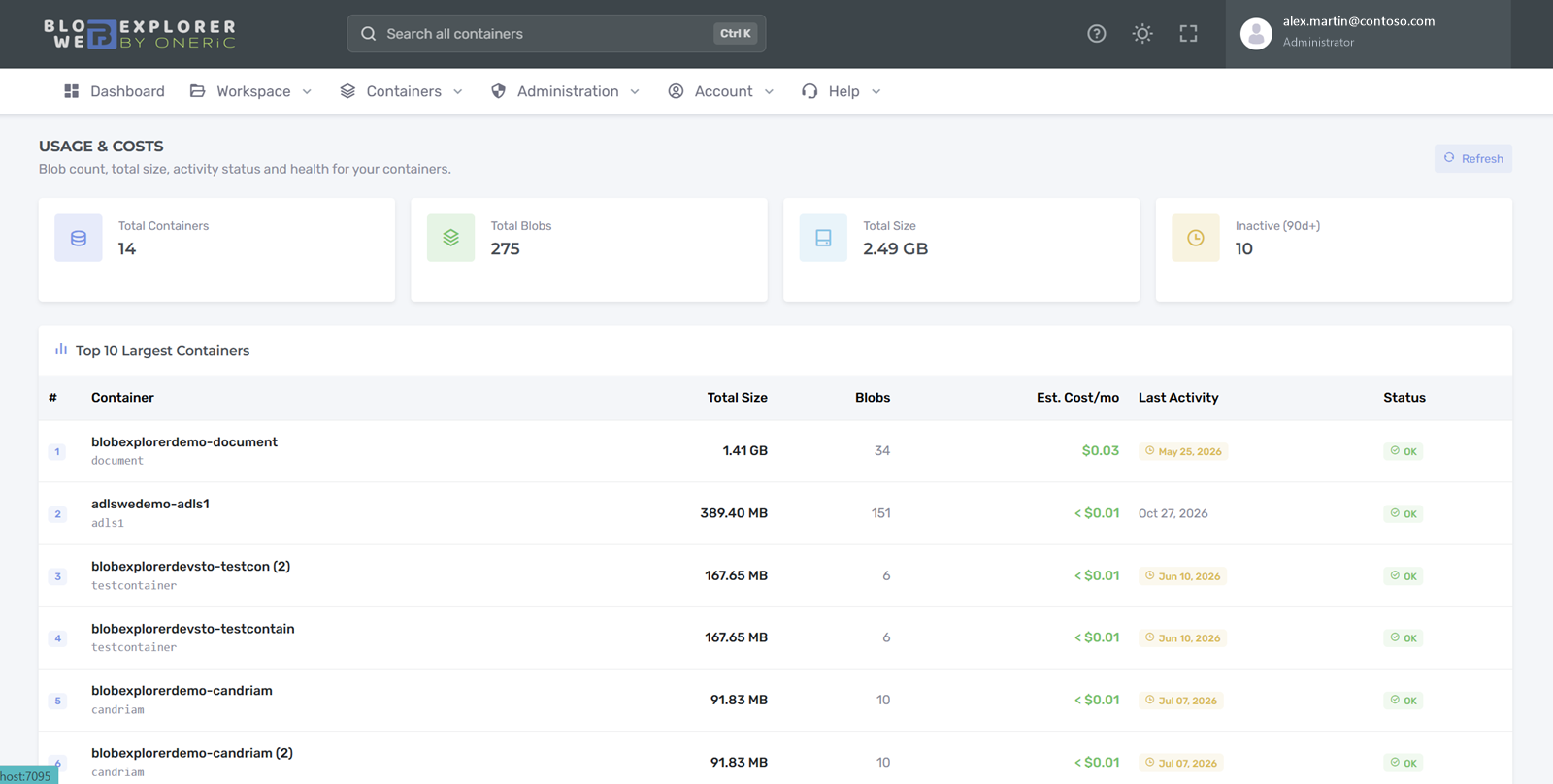
Understand your storage usage

See what your containers hold and spot data nobody uses anymore.

  • Size and file count per container
  • Inactive data indicators
  • Indicative monthly cost estimates
Usage and costs: total containers, blobs, size, inactive data and largest containers
And also

Built for daily work at scale.

Large uploads

Chunked uploads up to 195 GiB per file with Enterprise; 100 MB on Free and 5 GB on Pro.

Azure Data Lake Gen2

Works through the Blob endpoint with a virtual folder model.

Customer Hub

Open and follow support requests from the application, with screenshots and impact level.

Health checks

Administrators check identity, roles and data storage in one click, with explanations.

Move application data

Administrators switch the application data to another storage account in four guided steps.

Deployment details

Version, edition and region on the About page, ready to copy into a support request.

See it on your own containers

Ready to try it?

Create your free account and link your first container in minutes. Questions about identity, security or pricing? Write to us.