Large uploads
Chunked uploads up to 195 GiB per file with Enterprise; 100 MB on Free and 5 GB on Pro.

A familiar file explorer for the people who use the files, and the controls IT expects: Microsoft Entra ID roles, time-bound sharing and a full activity log.
Azure Blob Storage holds your exports, deliveries and archives. Blob Web Explorer makes them usable by the teams and partners who need them, without opening the Azure portal to everyone.
Today: an SFTP server to maintain, storage keys sent by email, or large files split across email attachments.
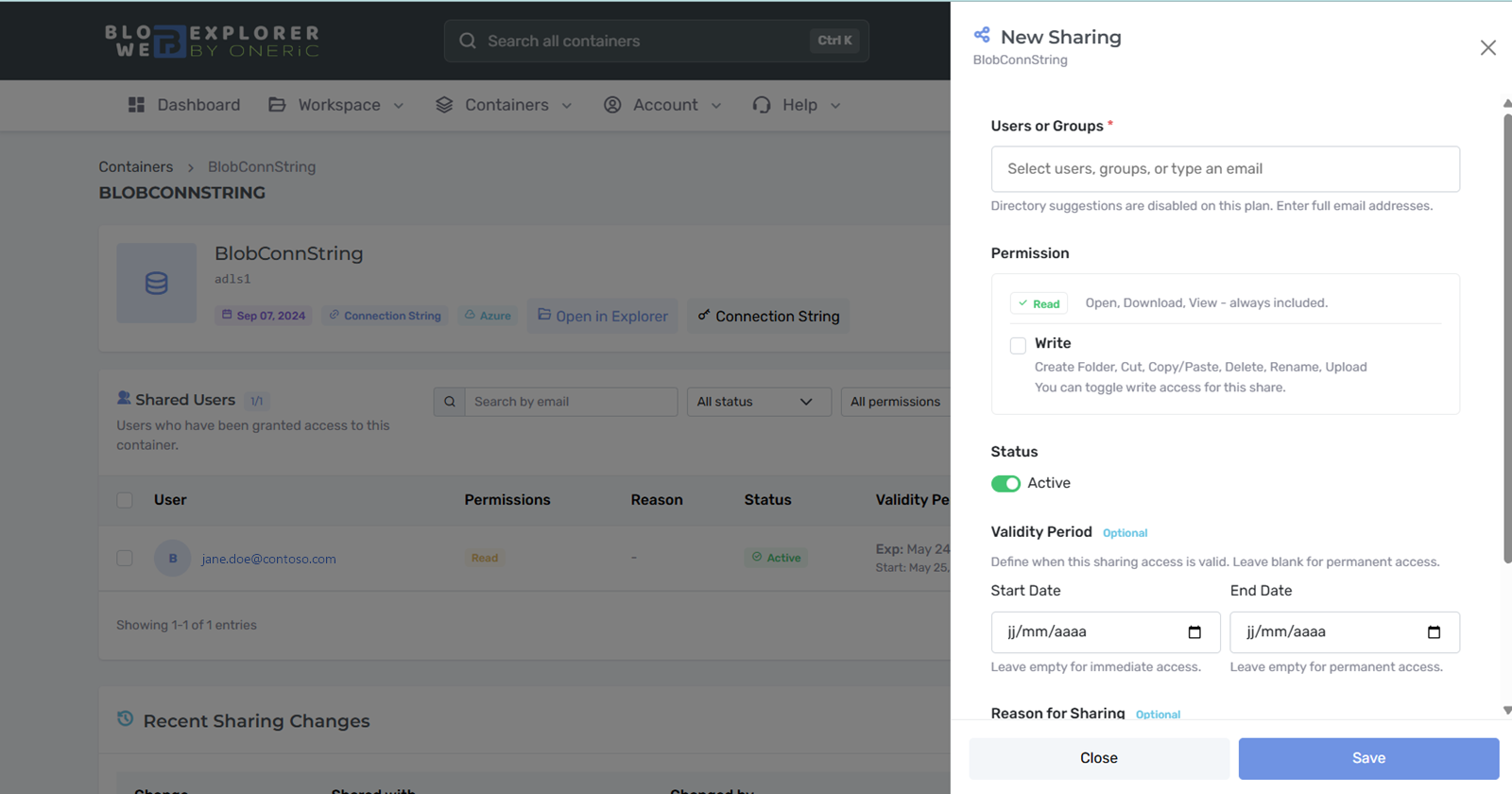
With Blob Web Explorer: each partner gets a folder they can open in a browser, with exactly the access you decide.
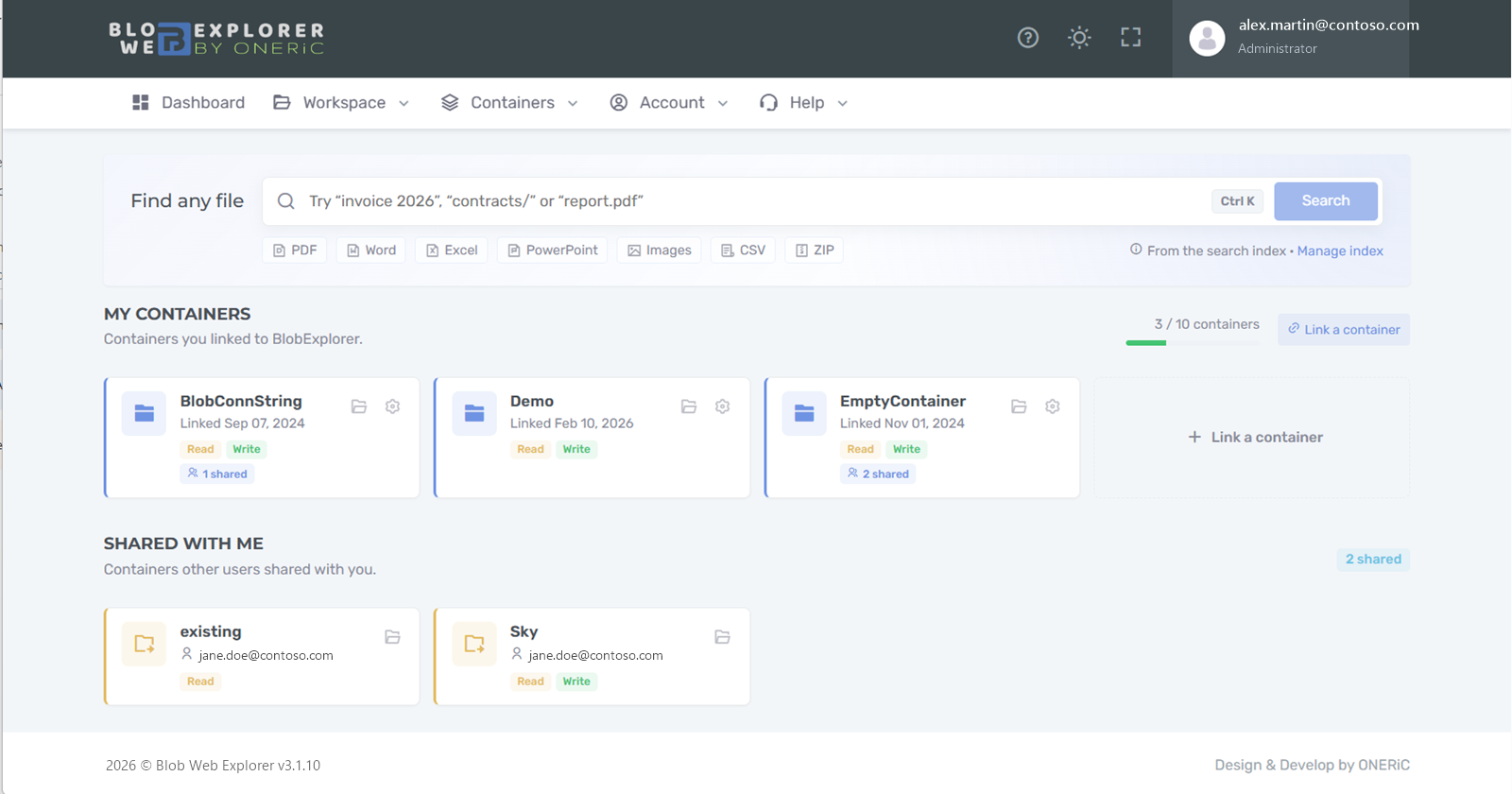
Today: data teams generate files into Azure Blob Storage, then answer requests to send them to finance, sales or operations.
With Blob Web Explorer: business users open, preview and download the files themselves, with read-only access when that is all they need.
Today: finding a file means knowing which storage account and container it lives in, then browsing folder by folder.
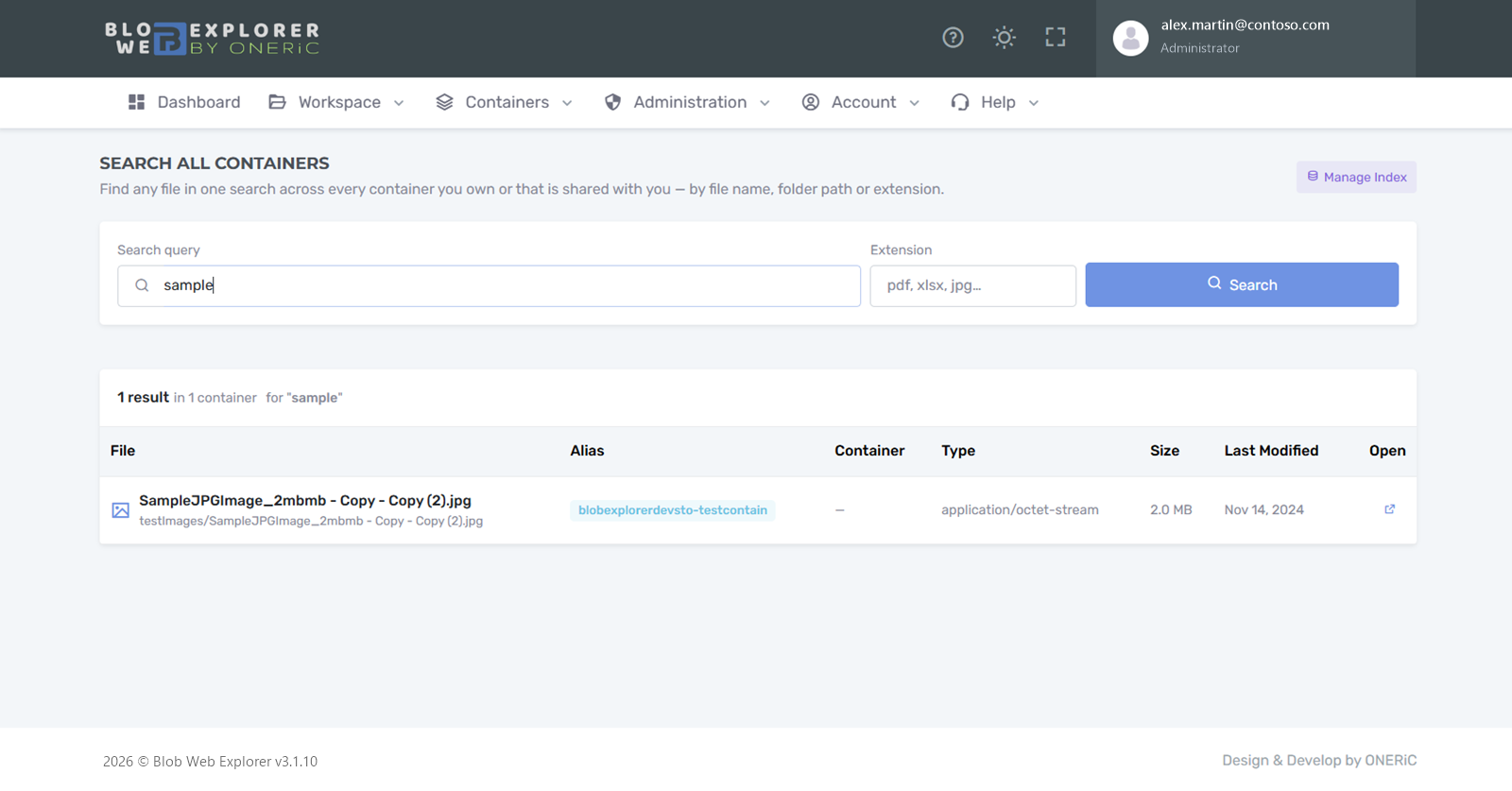
With Blob Web Explorer: search by name, path or file type across every storage account you can access, and preview media directly.
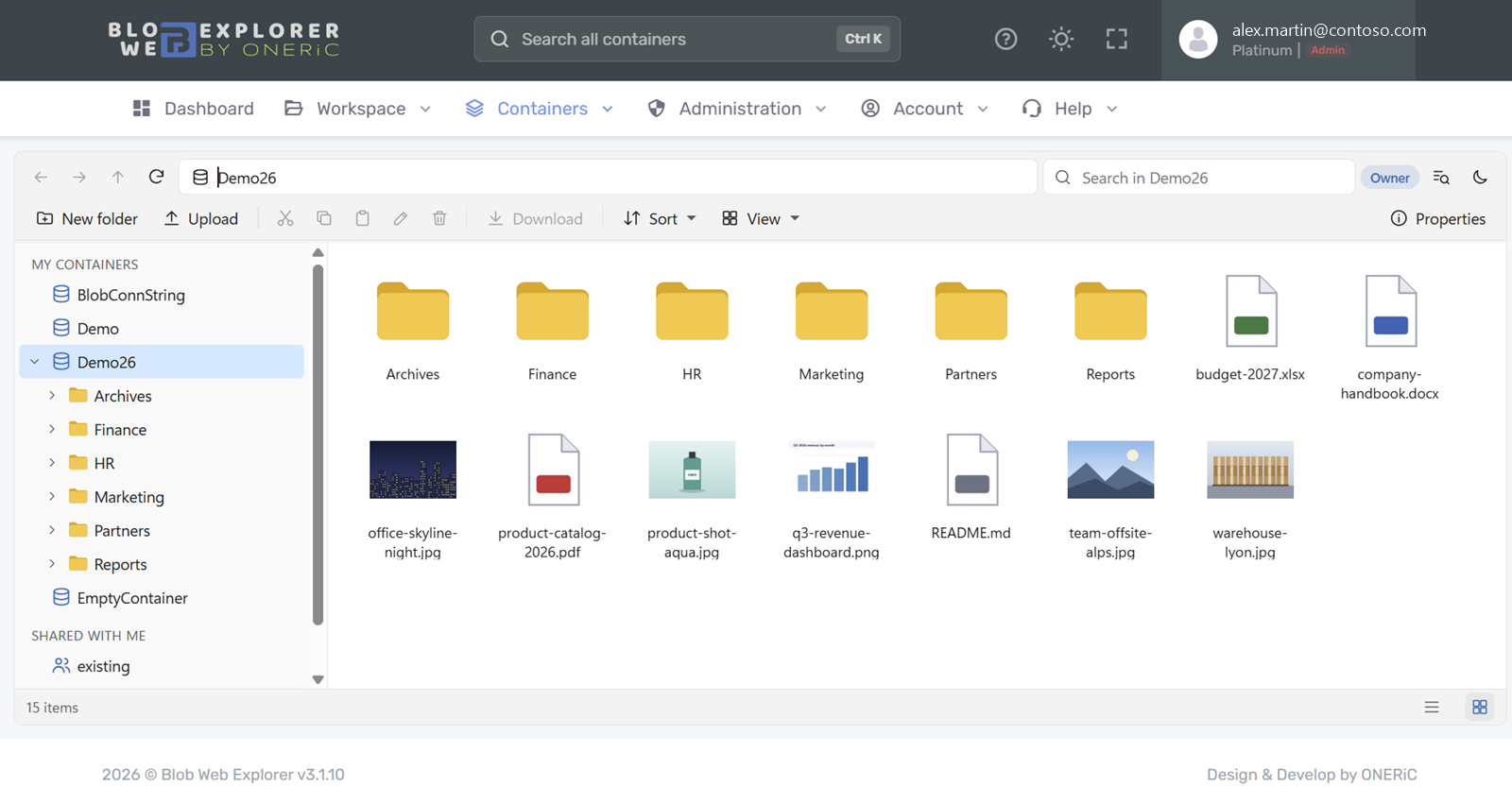
Browse every container you have access to from a side pane, with the gestures your teams use every day.
Stop opening containers one by one. Find a file by name or folder path, whatever its storage account.
Give colleagues and partners exactly the access they need, for as long as they need it.
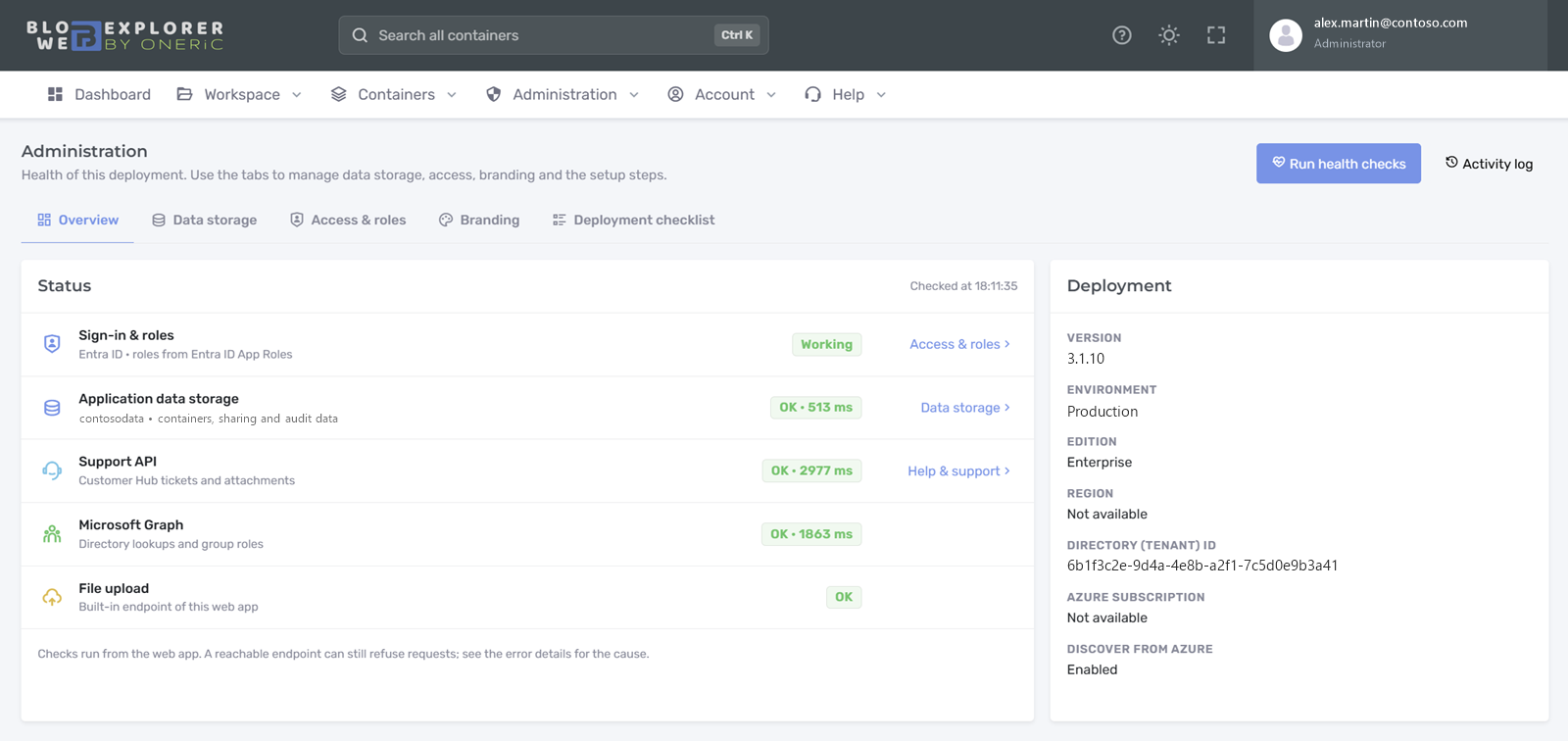
Your users sign in with their work account. You decide who does what from your own tenant.
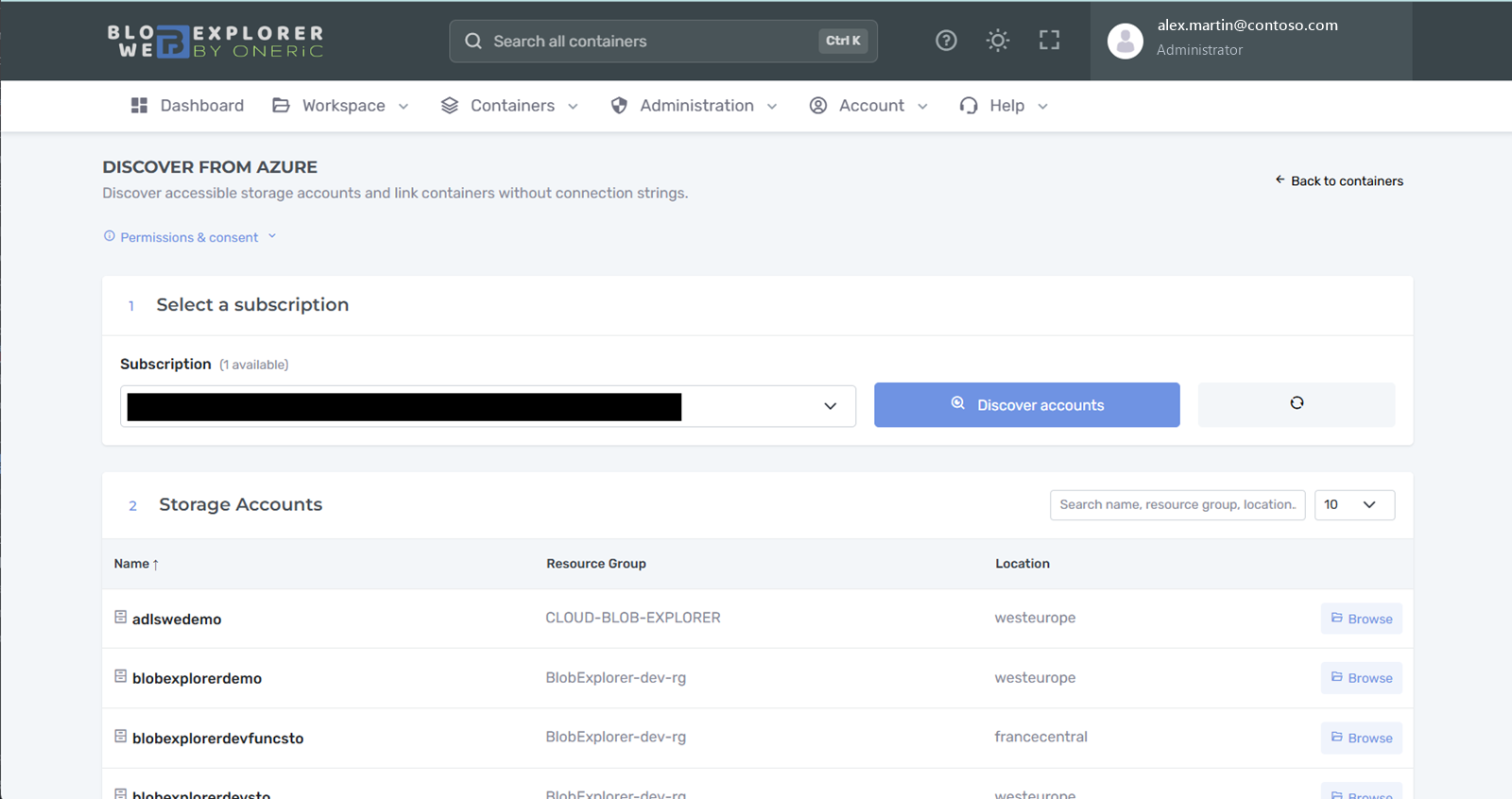
Every enterprise role can find the Azure containers it already has access to and link them in a few clicks.
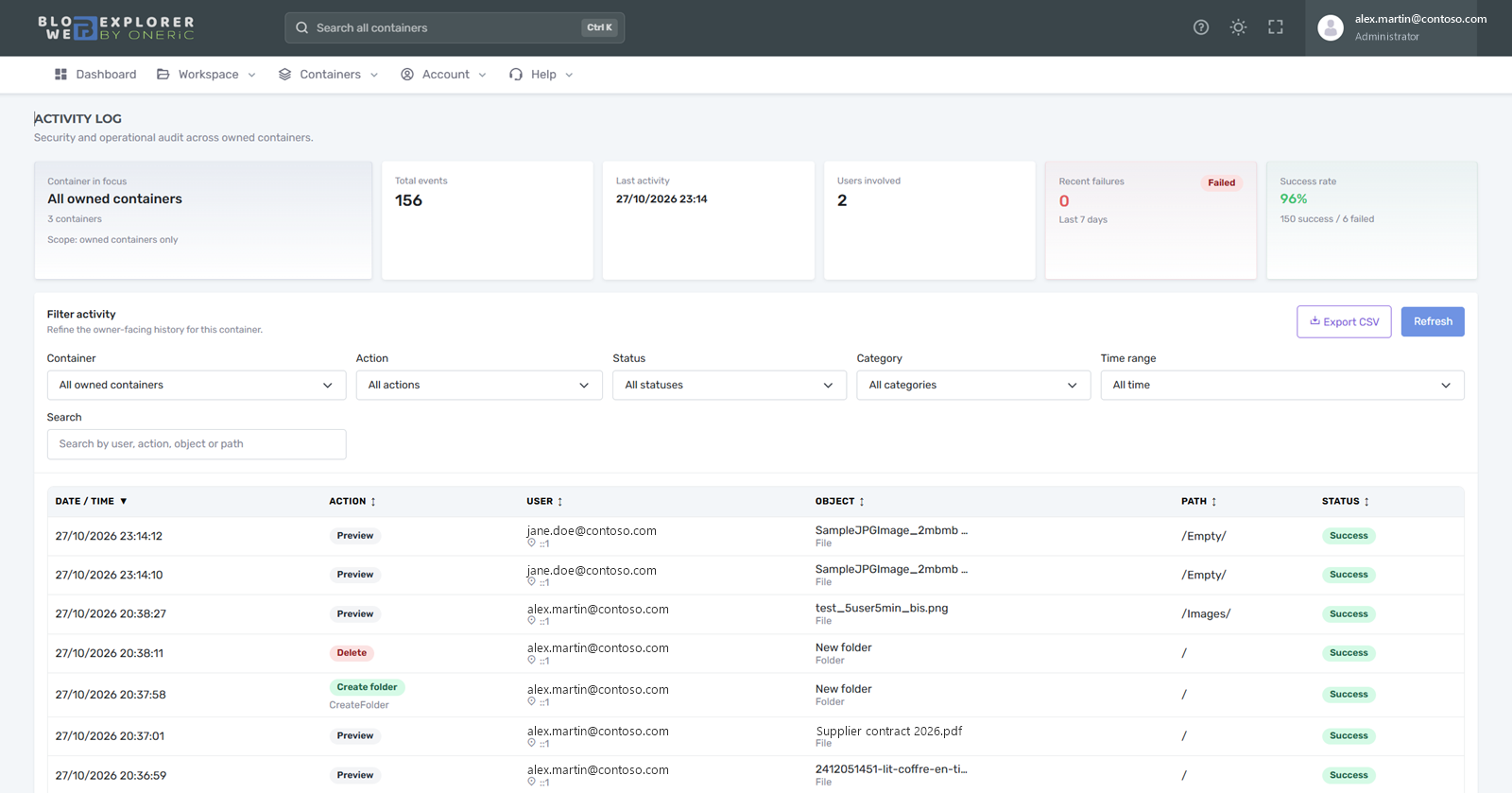
File and sharing operations are recorded so owners and administrators can answer questions quickly.
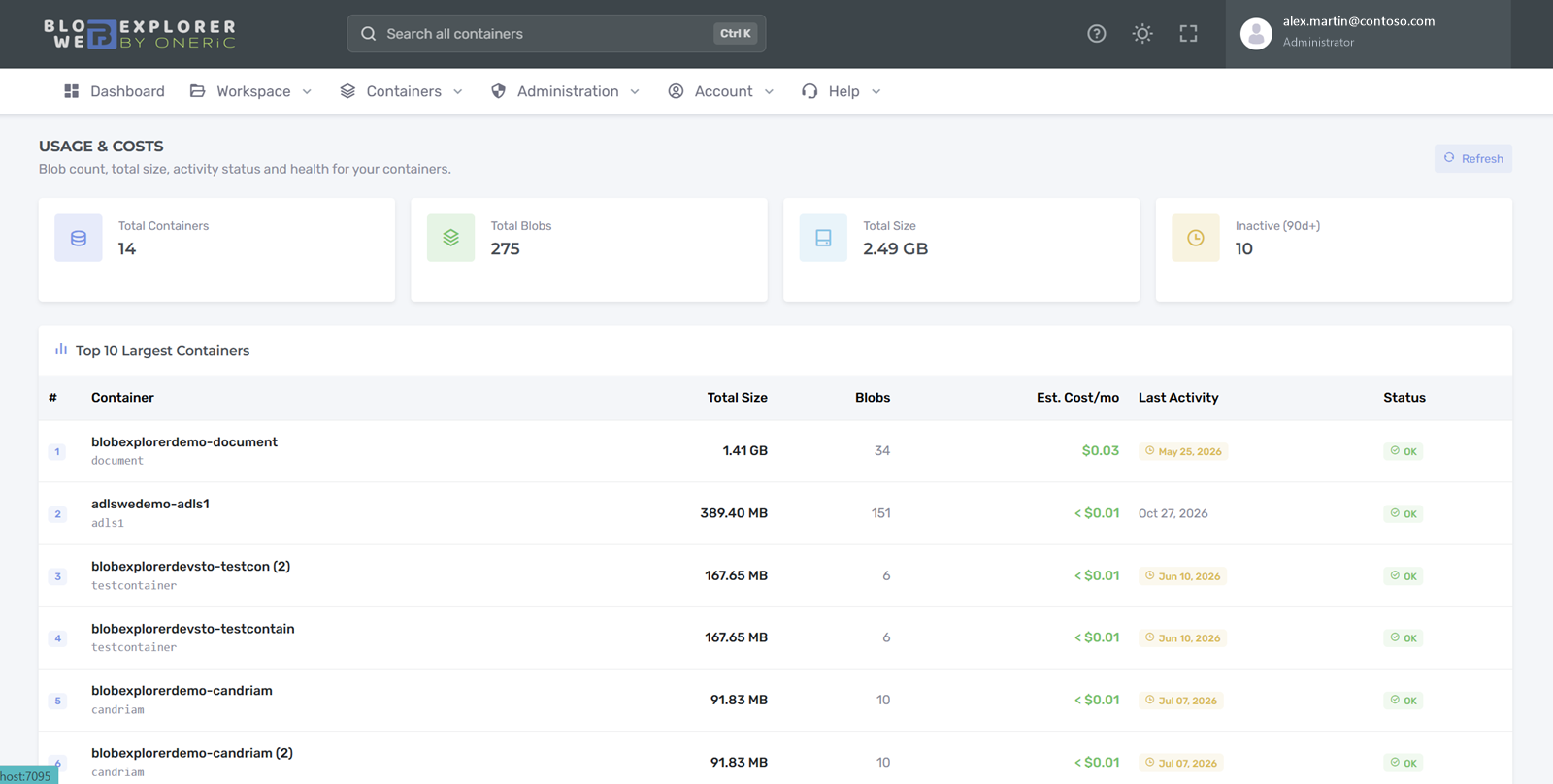
See what your containers hold and spot data nobody uses anymore.
Chunked uploads up to 195 GiB per file with Enterprise; 100 MB on Free and 5 GB on Pro.
Works through the Blob endpoint with a virtual folder model.
Open and follow support requests from the application, with screenshots and impact level.
Administrators check identity, roles and data storage in one click, with explanations.
Administrators switch the application data to another storage account in four guided steps.
Version, edition and region on the About page, ready to copy into a support request.
Create your free account and link your first container in minutes. Questions about identity, security or pricing? Write to us.